Max Timer Limits: Preventing Burnout Without Losing Flow
Flowtime is built on flexibility, but flexibility still needs boundaries. That is why Max Timer Limits exist: they let you stay in flow without accidentally turning every good session into a marathon....
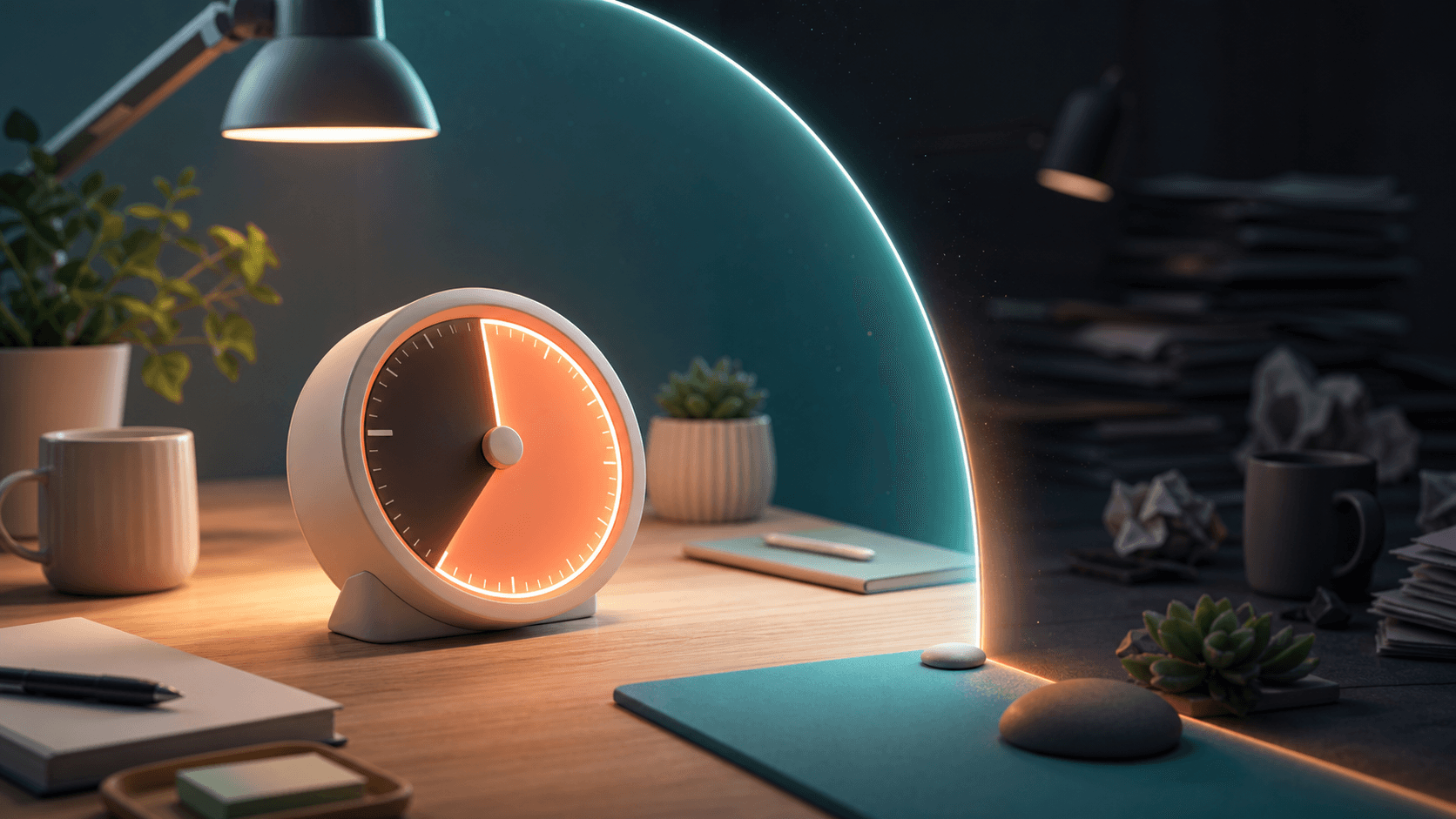
Flowtime is built on flexibility, but flexibility still needs boundaries. That is why Max Timer Limits exist: they let you stay in flow without accidentally turning every good session into a marathon.
Why Maximum Limits Matter
Without limits, it is easy to fall into the "just five more minutes" trap. The work is going well, momentum feels good, and suddenly you have been focused for two hours without a break. Your eyes are dry. Your back hurts. Your thinking is getting slower, but stopping feels inconvenient.
That is how unsustainable work patterns build. Usually not from one long session, but from repeating them until exhaustion becomes normal.
How Max Timer Limits Work
In Flowtime settings, you can configure two key limits:
Max Focus Time
This is the longest you want a single focus session to run. Common settings:
- 52 minutes — for those who prefer the 52/17 rhythm
- 60 minutes — a solid hour of deep work
- 90 minutes — useful for longer creative or technical sessions
- 120 minutes — for intense creative sprints
When you hit this limit, the timer can stop or move you into break mode depending on your settings. You still have control, but the limit creates useful friction before you keep pushing.
Max Break Time
This prevents breaks from stretching indefinitely. Common settings:
- 10 minutes — for short, energizing breaks
- 15 minutes — for standard proportional breaks
- 20 minutes — for longer recovery after intense sessions
When your break hits the limit, Flowtime gives you a clear signal to return to work or intentionally decide that you are done.
Finding Your Personal Limits
There's no universal "right" setting. Your optimal limits depend on:
- Your energy levels
- The type of work you do
- Your sleep quality
- Your physical health
- The time of day
Here's how to find yours:
- Start with defaults. Use conservative settings for one week.
- Check your analytics. Look at your average session length and how you feel after sessions.
- Adjust incrementally. If you consistently feel drained, lower your max focus time by 10 minutes. If you feel like breaks are too short, raise your max break time by 5 minutes.
- Re-evaluate monthly. Your capacity changes with stress, sleep, and workload.
The Difference Between Targets and Limits
This confuses some users, so let's clarify:
- Focus Target: A goal you want to reach. "I'd like to focus for 25 minutes." Flowtime notifies you when you hit it, but doesn't force a break.
- Max Focus Time: A ceiling you do not want to exceed by accident. "I will not normally focus for more than 90 minutes." Flowtime uses this as a hard guardrail.
Think of targets as motivation and limits as protection. You need both.
The Auto-Switch Feature
If you enable Auto-switch to break, Flowtime can automatically transition to break mode when you hit your focus target or max focus time. This is useful if you get so absorbed that you forget to stop.
Real-World Example
Sarah is a UX designer. She sets:
- Focus target: 25 minutes
- Max focus time: 60 minutes
- Break duration: 5 minutes (proportional)
- Max break time: 15 minutes
- Auto-switch: ON
On a good day, she works 35 minutes, takes a short break, and repeats. On a hyper-focused day, she might hit 60 minutes, but the max limit pushes her into recovery before the session becomes draining. Her breaks also do not stretch past 15 minutes unless she intentionally chooses to stop working.
Protecting Your Future Self
Max Timer Limits are not about restricting your productivity. They are about protecting your ability to be productive tomorrow, next month, and next year. Sustainable productivity beats heroic sprints over time.
Set your limits. Respect them. Your future self will thank you.
Quick answers
What is the main takeaway from Max Timer Limits: Preventing Burnout Without Losing Flow?
Flowtime is built on flexibility, but flexibility still needs boundaries. That is why Max Timer Limits exist: they let you stay in flow without accidentally turning every good session into a marathon..
How does this relate to Flowtime?
Flowtime helps you apply the idea with an adaptive timer, task tracking, proportional breaks, and analytics that show how your focus sessions actually behave.
Who should use this advice?
Use it if you do focused work, study sessions, creative work, remote work, or task-based work where fixed timers interrupt momentum.
Related Flowtime guides
flowtime timer settings
How to Use Flowtime: A Practical Guide to Timer Settings
Flowtime is not just a timer that counts down from a fixed number. It is a focus system built around how you actually work: choose a task, start a focus session, keep going while you are in flow, and ...
how to use flowtime timer
How to Use the Flowtime Timer: A Step-by-Step Tutorial
Ready to start your first Flowtime session? This tutorial shows you how to use Flowtime as an actual timer system: choosing a task, setting useful targets, working without forced interruptions, taking...
focus time window productivity
Setting Up Your Focus Time Window for Better Work-Life Balance
One of the most underrated features in Flowtime is the Focus Time Window. It's not flashy, but it might be the most important setting for your long-term productivity and mental health. Here's why....