Setting Up Your Focus Time Window for Better Work-Life Balance
One of the most underrated features in Flowtime is the Focus Time Window. It's not flashy, but it might be the most important setting for your long-term productivity and mental health. Here's why....
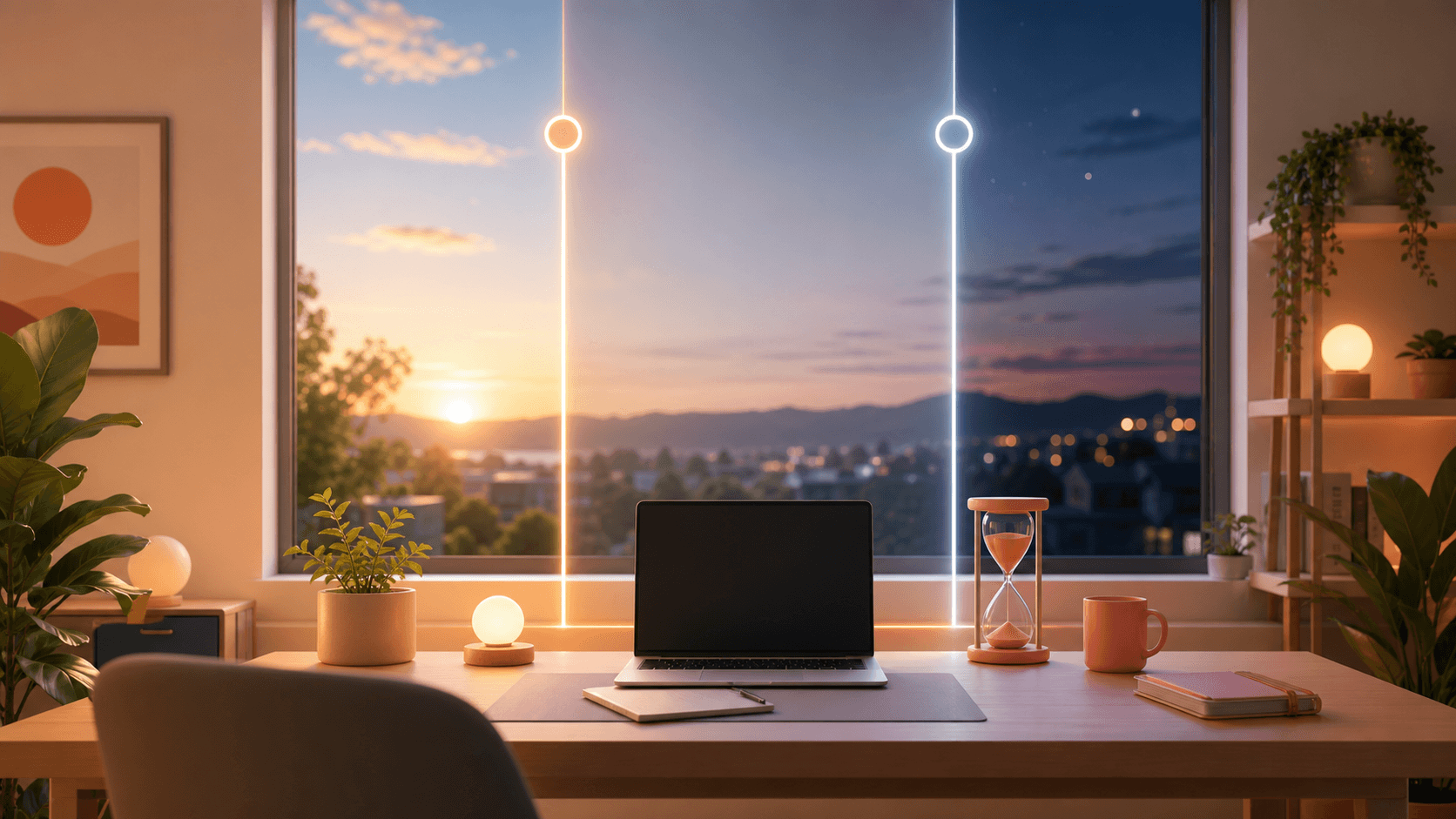
One of the most underrated features in Flowtime is the Focus Time Window. It's not flashy, but it might be the most important setting for your long-term productivity and mental health. Here's why.
What Is the Focus Time Window?
The Focus Time Window lets you define specific hours when Flowtime is "active." Outside these hours, timers don't run, idle tracking pauses, and your work streak isn't affected. It's a digital boundary between your professional and personal life.
Why Boundaries Matter
Remote work has blurred the line between office and home. When your desk is ten feet from your couch, it's easy to "just check one email" at 9 PM. Before you know it, you're in a 45-minute focus session on a Tuesday night.
This isn't sustainable. Research consistently shows that work-life balance isn't just good for your health — it's good for your output. Overworked brains produce lower-quality work, make more mistakes, and burn out faster.
How to Configure Your Focus Time Window
Open Flowtime settings and look for the "Focus Time Window" section. You'll see:
Start Time
When your workday begins. For most people, this is 8:00 or 9:00 AM. If you're a night owl, it might be 11:00 AM. The key is consistency.
End Time
When your workday ends. This is your hard stop. Common choices: 5:00 PM, 6:00 PM, or 7:00 PM. Whatever you choose, respect it.
Working Days
Select which days Flowtime should track. Most people choose Monday through Friday. If you work weekends, add those days too. If you want weekends completely free, leave them unchecked.
Pro Configuration Tips
For remote workers: Set your window to match your actual working hours, not your "available" hours. If you're online 8 AM – 8 PM but only working 9 AM – 5 PM, set the window to 9-5. This gives you accurate analytics.
For freelancers: Use different windows for different clients or project types. You can adjust the window as needed, but try to keep a default that represents your ideal schedule.
For students: Align your window with your most productive study hours. If you focus best in the morning, set a 7 AM – 1 PM window for deep study, then a separate 3 PM – 6 PM window for lighter review.
What Happens Outside the Window?
When you're outside your Focus Time Window:
- Timers won't start (or will prompt you to confirm)
- Idle tracking is disabled
- Sessions don't count toward your daily streak
- Analytics are segmented, so you can see work vs. personal time separately
This doesn't mean you can't work outside the window. It means Flowtime won't encourage it. If you truly need to finish something, you can override the setting. But that extra friction is often enough to make you pause and ask: "Does this really need to happen tonight?"
The Long-Term Benefit
After using the Focus Time Window for a month, check your analytics. You'll likely notice:
- More consistent daily focus time (because you're not spreading work across 14 hours)
- Better break quality (because you're not taking "micro-breaks" all evening)
- Higher completion rates (because you're working during your peak hours)
- Less burnout (because your brain knows when it's truly off)
The Focus Time Window isn't a restriction. It's a commitment to yourself that your time matters — all of it, not just the work hours.
Quick answers
What is the main takeaway from Setting Up Your Focus Time Window for Better Work-Life Balance?
One of the most underrated features in Flowtime is the Focus Time Window. It's not flashy, but it might be the most important setting for your long-term productivity and mental health. Here's why..
How does this relate to Flowtime?
Flowtime helps you apply the idea with an adaptive timer, task tracking, proportional breaks, and analytics that show how your focus sessions actually behave.
Who should use this advice?
Use it if you do focused work, study sessions, creative work, remote work, or task-based work where fixed timers interrupt momentum.
Related Flowtime guides
optimal break time productivity
The Science of Breaks: How Flowtime Calculates Optimal Rest
We all know breaks are important. The harder question is how long they should be. A five-minute pause can be enough after a short admin task, but it is usually not enough after a long stretch of deep ...
adaptive focus techniques
Why Rigid Timers Kill Creativity: The Case for Adaptive Focus
You finally settle into the work. The paragraph starts to move. The design problem becomes clearer. The bug begins to make sense. Then the timer rings because an arbitrary interval ended....
flowtime vs time blocking
Flowtime vs. Time Blocking: Can You Use Both?
Time Blocking and Flowtime are two of the most popular productivity methods today. But they solve different problems. Time Blocking answers "When should I work?" Flowtime answers "How should I work wi...