Flowtime for Remote Workers: Managing Focus in a Distracted Home
Remote work has benefits: no commute, flexible hours, comfortable clothes. But it also has a hidden cost: distractions. Your home is full of them — kids, pets, laundry, the couch, the fridge. Flowtime...
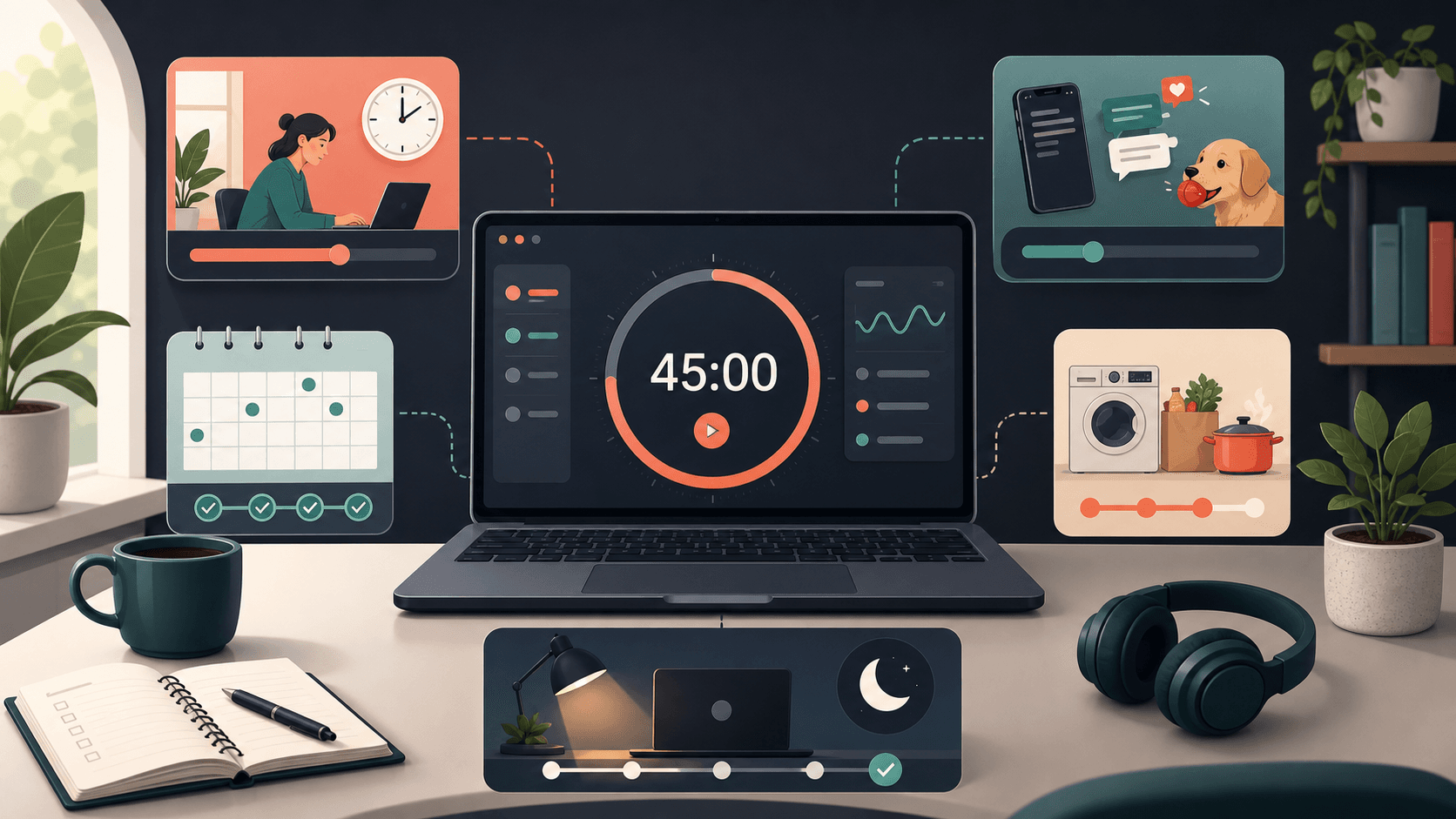
Remote work has benefits: no commute, flexible hours, comfortable clothes. But it also has a hidden cost: distractions. Your home is full of them — kids, pets, laundry, the couch, the fridge. Flowtime is built for this reality.
The Remote Work Focus Challenge
In an office, your environment signals "work." At home, your environment signals "everything." The same room where you relax is where you work. The same device where you watch Netflix is where you write code. This context switching is exhausting.
Common remote work distractions:
- Family members needing attention
- Household chores calling your name
- Social media on the same computer
- The temptation to "just quickly" do personal tasks
- No physical separation between work and home
How Flowtime Helps Remote Workers
Flowtime has several features specifically designed for the remote work environment:
Focus Time Window
Set your work hours (e.g., 9 AM – 6 PM) so Flowtime only tracks during professional time. This creates a digital boundary between work and personal life. Outside your window, timers won't start unless you explicitly override them.
Why this matters: It prevents the "always on" mentality. When Flowtime won't track after 6 PM, you're less likely to "just finish one thing" at 9 PM.
Idle Time Tracking
Flowtime detects when you're not actively working during a session. If you get distracted by a personal text or wander to the kitchen, the timer catches it.
Why this matters: It gives you honest data about your actual focus time. You might think you worked 6 hours, but idle tracking shows 4.5 hours of real work and 1.5 hours of micro-distractions.
Working Days Configuration
Select which days are "work days." If you want weekends completely free, uncheck Saturday and Sunday. Your streak won't be affected by not working weekends.
Why this matters: It removes guilt. You're not "breaking a streak" by resting on Sunday. You're following your configured schedule.
Sound Customization
Remote workers often share space with others. Flowtime lets you customize notification sounds and volume so you don't disturb family members or roommates.
Why this matters: You can stay in your workflow without creating noise pollution in your home.
Creating a Remote Work Ritual
Flowtime works best when paired with environmental cues. Here's a remote work ritual that maximizes focus:
Morning Setup (5 minutes)
- Change clothes (even if it's just different comfy clothes)
- Set your Flowtime Focus Time Window for the day
- Review your task list and pick your top 3 priorities
- Put your phone in another room or on Do Not Disturb
- Close all non-work tabs and apps
Work Blocks (Using Flowtime)
- Start a focus session for your first task
- Work until you naturally need a break
- Take a break exercise (stretch, walk, hydrate)
- Return for the next session
- Repeat until lunch
Afternoon Setup (2 minutes)
- Review your morning analytics
- Adjust afternoon tasks if needed
- Start afternoon sessions
End-of-Day Shutdown (5 minutes)
- Review your total focus time for the day
- Mark completed tasks
- Note any tasks for tomorrow
- Close Flowtime and work apps
- Physically leave your workspace (even if it's just the other side of the room)
The Physical Workspace
Flowtime can't fix a bad workspace, but it can highlight the problem. If your idle time is consistently high, your environment needs attention:
- Noise: Use noise-canceling headphones or white noise
- Interruptions: Communicate your focus hours to household members
- Comfort: Invest in a proper chair and desk setup
- Lighting: Natural light improves focus; poor lighting increases fatigue
- Clutter: A clean desk reduces cognitive load
Managing Household Interruptions
Even with the best setup, interruptions happen. Here's how to handle them with Flowtime:
- Short interruptions (under 2 minutes): Pause the timer, handle it, resume. Don't let it derail your session.
- Medium interruptions (2-10 minutes): Stop the timer, handle it, start a new session when you return. Don't try to "save" the old session.
- Long interruptions (10+ minutes): End the session, handle the interruption, and plan a new session later. Forcing focus after a major disruption is usually counterproductive.
The Social Isolation Factor
Remote work can be lonely, and loneliness hurts focus. Flowtime helps by:
- Giving structure: A daily Flowtime routine creates normalcy
- Building streaks: Consistent focus sessions create a sense of progress
- Providing data: Analytics show you're productive, even when it doesn't feel like it
But Flowtime is a tool, not a cure. Supplement it with:
- Virtual coworking sessions
- Regular video calls with colleagues
- Coworking spaces or coffee shop work sessions
- Exercise and social time outside work hours
The Long-Term Remote Work Strategy
Sustainable remote work requires boundaries. Flowtime's Focus Time Window and Working Days are your digital boundaries. Pair them with physical boundaries (a dedicated workspace) and social boundaries (communicated work hours).
Remote work isn't going away. Neither are home distractions. But with the right tools and habits, you can be more focused at home than you ever were in an office.
Quick answers
What is the main takeaway from Flowtime for Remote Workers: Managing Focus in a Distracted Home?
Remote work has benefits: no commute, flexible hours, comfortable clothes. But it also has a hidden cost: distractions. Your home is full of them — kids, pets, laundry, the couch, the fridge. Flowtime.
How does this relate to Flowtime?
Flowtime helps you apply the idea with an adaptive timer, task tracking, proportional breaks, and analytics that show how your focus sessions actually behave.
Who should use this advice?
Use it if you do focused work, study sessions, creative work, remote work, or task-based work where fixed timers interrupt momentum.